
Showing posts with label tips. Show all posts
Showing posts with label tips. Show all posts
Wednesday, March 16, 2011
Low Poly Tip #2
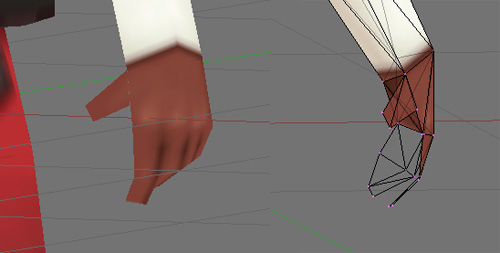
Here's another way of reducing polys. I'd only do this if you're never going to get a close up on the hand. Still, helpful to know, though. Model your fingers as planes, and curving them in such a way that they never appear fully flat.

Low Poly Tip #1
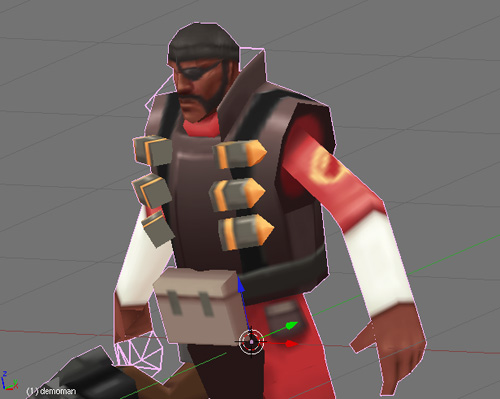
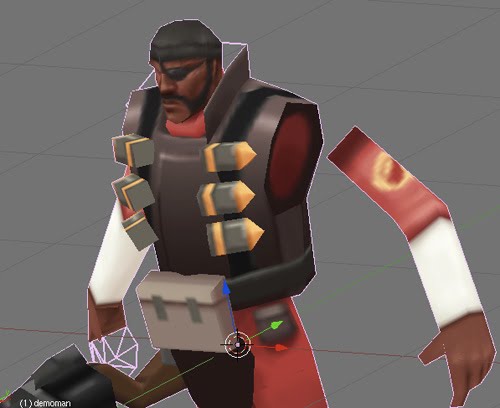
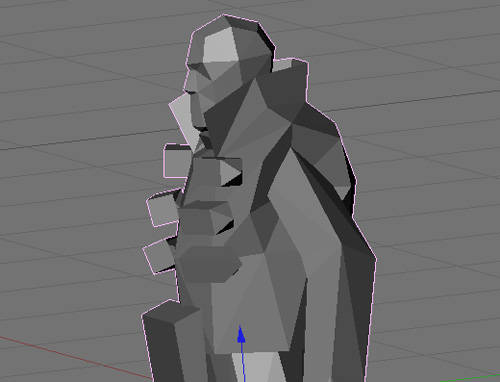
Going through Tom Tallian's pack of low-poly Team Fortress models, I noticed a trick he was using in order to keep his meshes low on polygons. Not everything must share the same and extend from the same points. Instead, the limbs are sometimes modeled separetely and just made to look like they are "attached". Reminds me of how action figures are assembled.
Tuesday, February 22, 2011
Blender Tip #1, Axis Constraint
Most tools can be constrained to an axis by pressing either the X, Y, or Z key after you've activated a tool. This works for tools like G (grab/move), S (scale), and R (rotate), and there's probably more. One of my favorite uses for this is to be able to flip anything (ie: a group of polygons selected in the UV) exactly. To do so, select your object, press S (scale), X (to constrain to the X axis), then type -1 (to flip).
Subscribe to:
Posts (Atom)